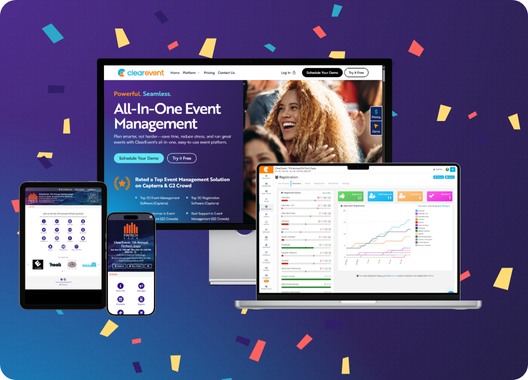
Design beautiful event badges in 90 seconds.
ClearEvent Badge Maker is a free, browser-based event badge designer. Import attendee data from CSV, personalize each badge with placeholders, preview every record, and export print-ready PDFs for Avery sheets or custom N-up layouts. No account required; badge data stays on your device.
How to design and print event badges
From blank canvas to print-ready event badges in minutes. No training, no setup. Watch how it works (1 minute video).
- Step 1
Choose an event badge template
Start from a blank canvas or pick a conference, expo, festival, or VIP badge template sized for real event badge dimensions. Every template includes lanyard knockouts and safe zones so your prints look professional on day one.
- Step 2
Load attendee data from CSV
Open a CSV from your device — your attendee list stays local and is never uploaded to ClearEvent. Each column becomes a placeholder field (e.g. {FirstName}, {Company}, {Role}) you drag onto the canvas. Add QR codes from any field for check-in at the door.
- Step 3
Export print-ready badge PDFs
Preview every attendee's badge before printing, then export to Avery presets (#5392, #74459) or a custom N-up layout. PDFs are ready for in-house printing on sheet stock or sending to a print shop.
Everything you need to design and print event badges.
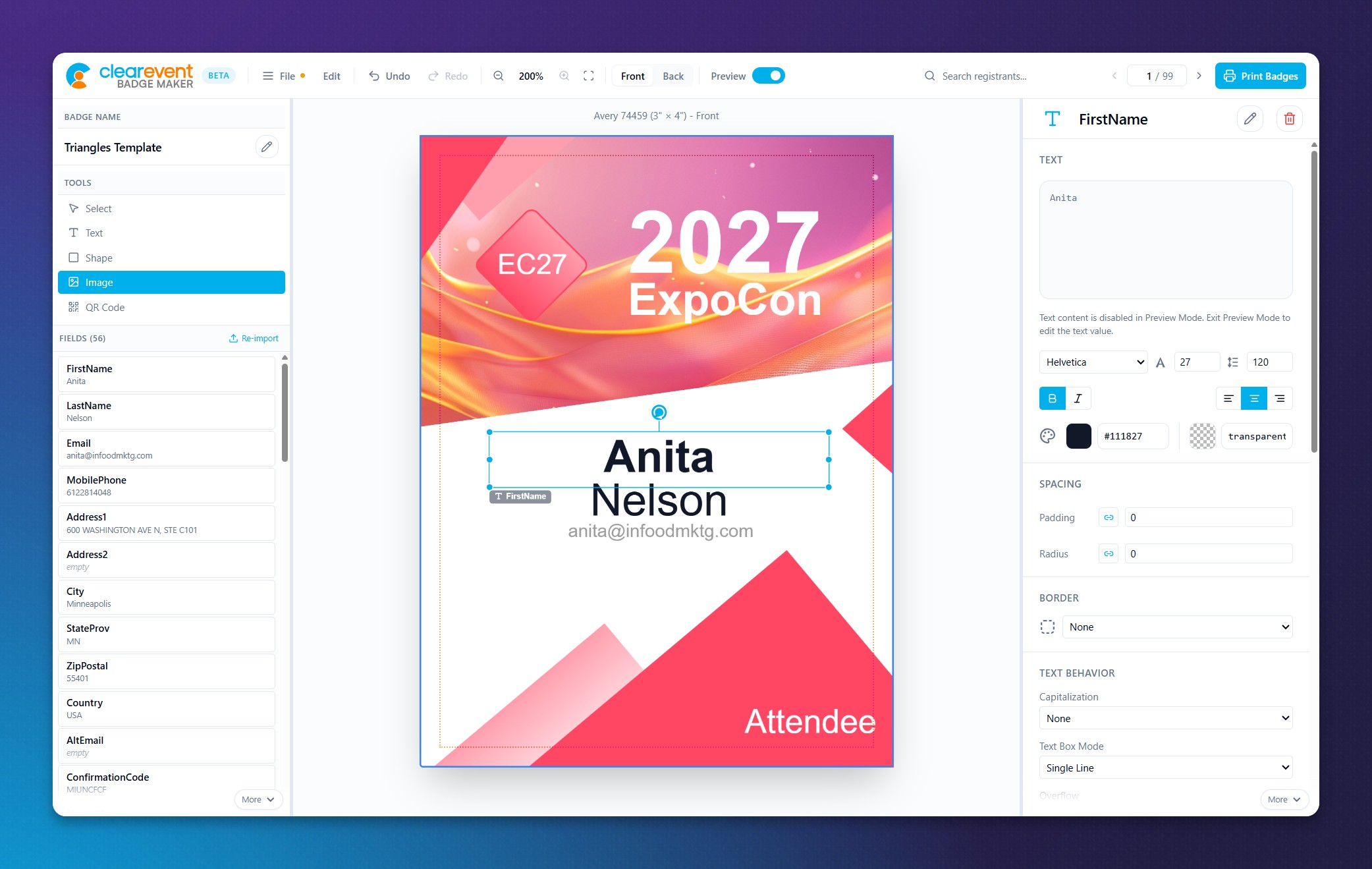
Free-form canvas
Drag text, images, shapes, logos, QR codes anywhere. Snap guides and smart alignment built in.
CSV attendee merge
Load your attendee list from a CSV on your device and drop any column onto the canvas as a placeholder — like mail merge for badges. Your list is processed in your browser and never uploaded. Every badge is personalized automatically from your registrant data, with no manual copy-paste per person.
QR codes for check-in
Generate unique QR codes from a registrant field. Scan at the door, track arrivals.
Avery & custom PDFs
Export to built-in Avery name badge presets (#5392, #74459) or define a custom N-up sheet layout with your own dimensions and margins. PDFs are print-ready for in-house production or a print shop — no manual page setup required.
Front & back sides
Flip between sides with a tap. Lanyard knockouts and safe-zones keep prints clean.
Live preview per person
Page through your registrants and see every badge exactly as it will print — including long names, missing fields, and QR codes. Catch typos and layout issues before you commit ink to paper on badge day.
Full type & color control
Font size, weight, caps, color, plus alignment and distribution tools across elements.
Save and reopen designs
Everything stays on your machine. Open a badge design file and pick up where you left off.
Event badge maker vs Word mail merge vs Canva
Word mail merge and Canva work for simple jobs, but event teams printing personalized badges at scale need merge, preview, and Avery-ready export in one place.
| Capability | ClearEvent Badge Maker | Word mail merge | Canva |
|---|---|---|---|
| CSV attendee merge | Fragile | ||
| Per-attendee preview | |||
| Avery PDF export | Built-in | Manual | |
| Double-sided badges | Awkward | Limited | |
| Data stays local | Cloud upload | ||
| Free, no account | Yes (Office) | Freemium |
Start from a free event badge template.
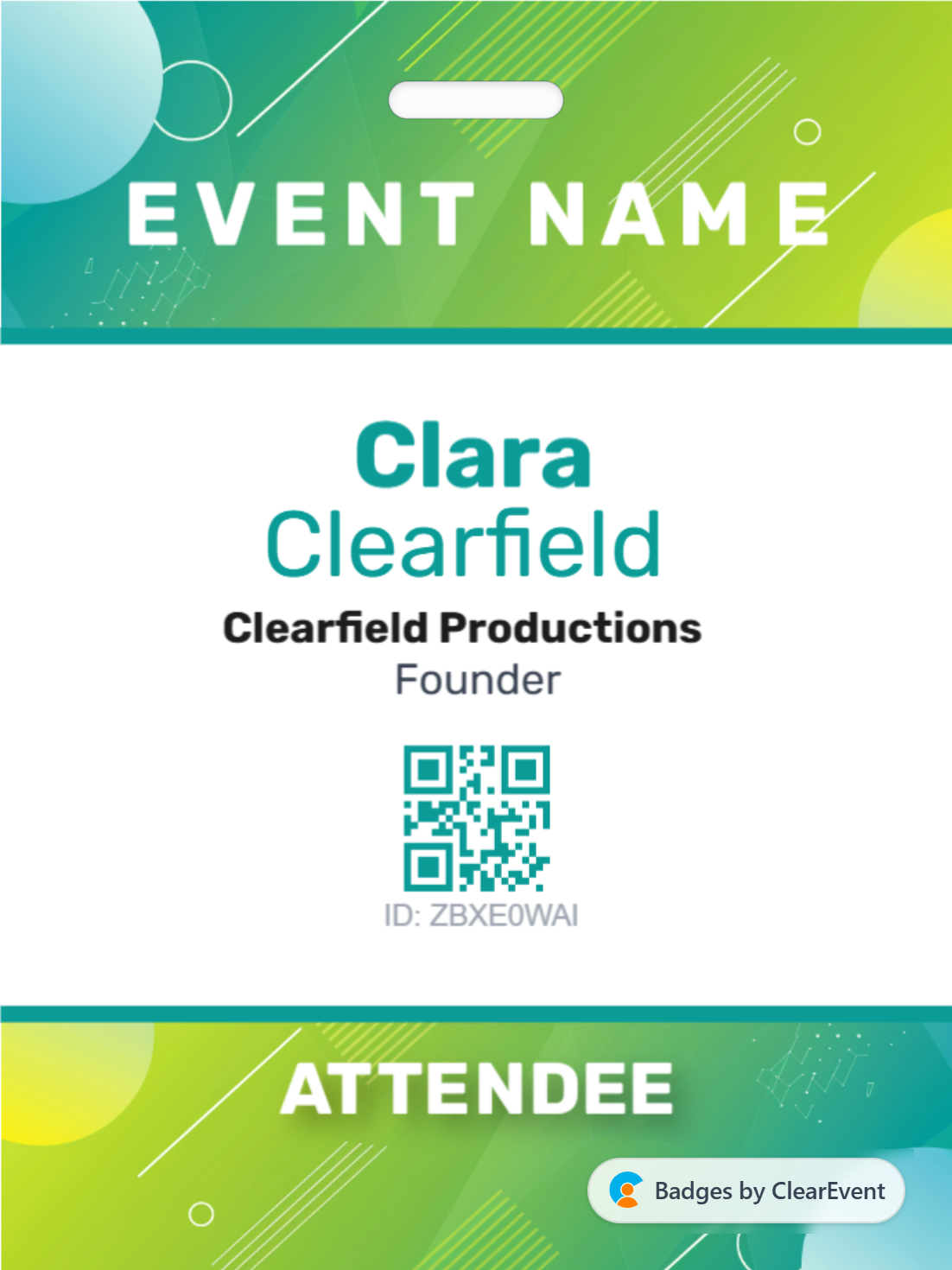
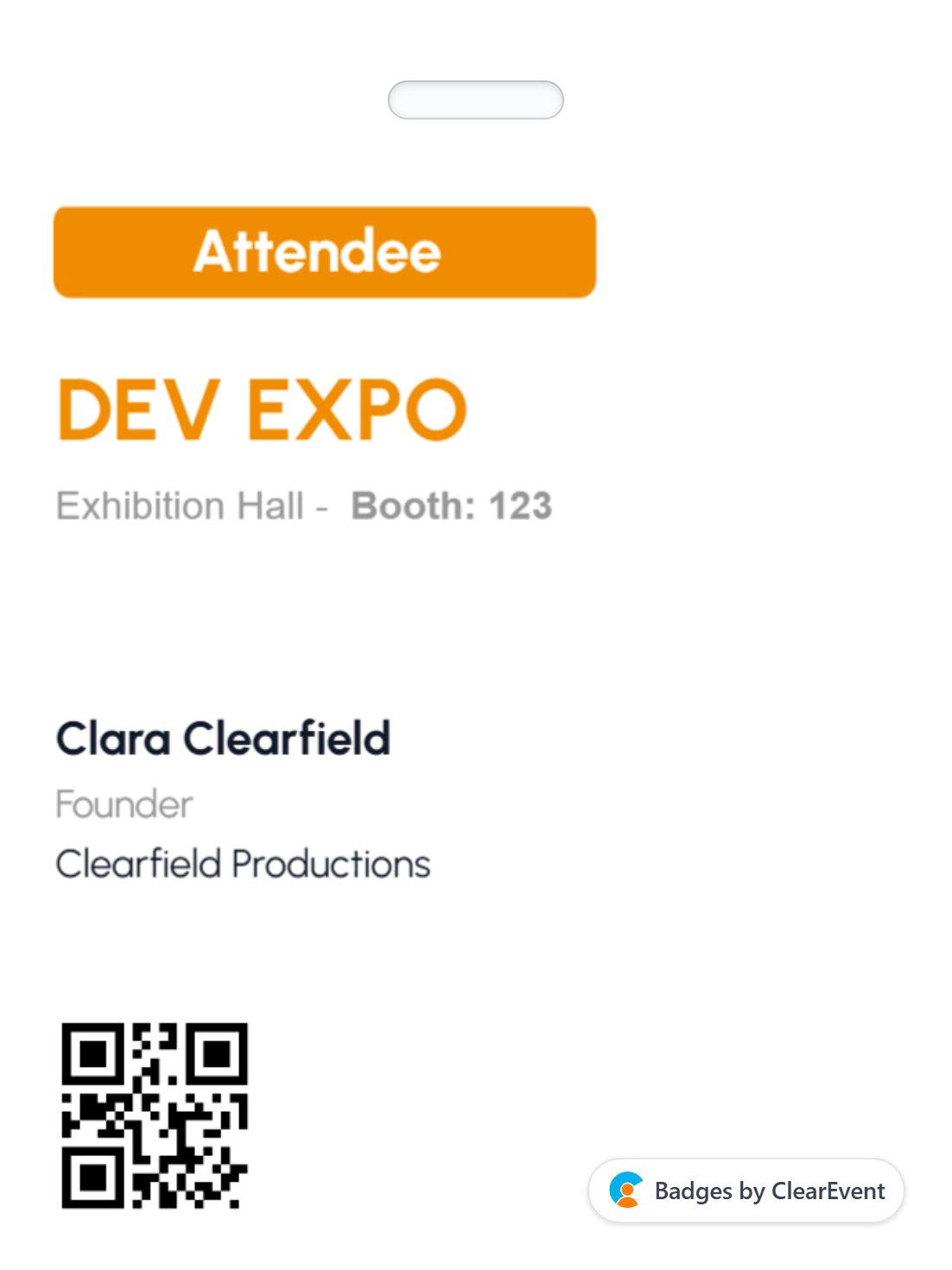
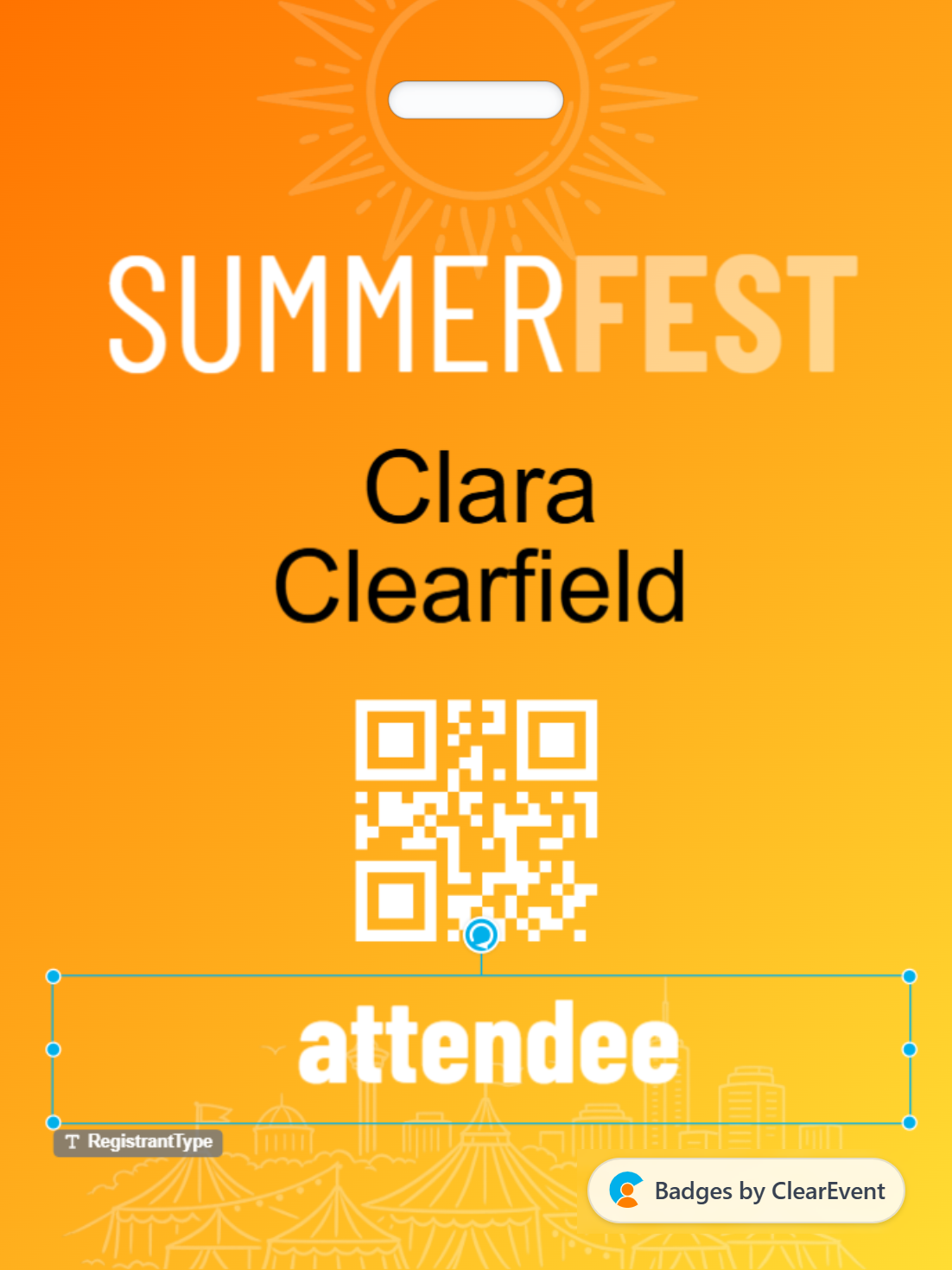
Choose a polished name badge or conference template from our gallery. Tweak colors, swap copy, print. Or go blank and design from scratch.
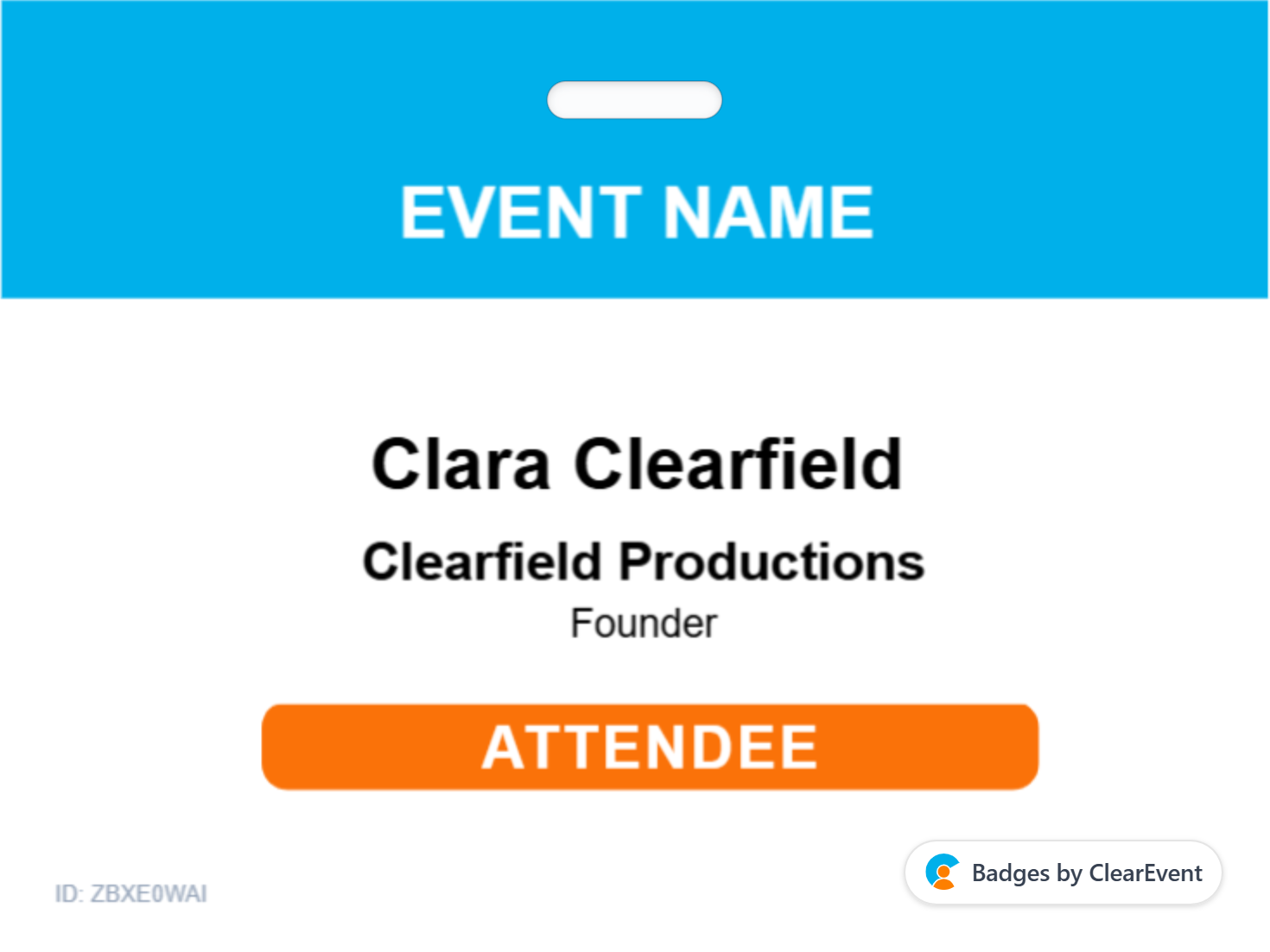

Built for every kind of event.
Corporate conferences
Sharp, on-brand conference name badges with role and session tracks baked in.
Expos & trade shows
Exhibitor vs. attendee vs. press. Color-coded, QR-scanned, done.
Festivals & events
Crew, artist, VIP, guest. Print thousands in an afternoon.
Corporate retreats
Small gatherings, personal touches. First-name friendly.
Badge day shouldn't be stressful.
Customer stories from event teams using ClearEvent Badge Maker.
"The CSV merge alone saved us two days of manual work. We went from dreading badge day to having everything print-ready before lunch."
"We print backstage passes the morning of the show every year. Now it's actually relaxing."
"No signups, no PDFs emailed around, no exported CSVs breaking. Just works."

An event badge maker is a tool for designing and printing personalized name badges for conferences, expos, festivals, and corporate events. ClearEvent Badge Maker runs in your browser: import attendee data from CSV, place placeholders on a visual canvas, preview each person's badge, and export print-ready PDFs for Avery sheets or custom layouts.
Really, truly. The Badge Maker is a free tool from ClearEvent, the all-in-one event platform. No account needed, no usage limits, no feature paywall. We make money on the broader platform — this is our gift to the event-planning community.
No account or credit card is required. The Badge Maker runs entirely in your browser. When you export badges for printing, a PDF file is generated and saved locally on your device — nothing is uploaded to a server for the core design and export workflow.
Yes. Your badge designs and attendee data stay private on your device. The Badge Maker runs in your browser, so your CSV, names, and badge artwork are not uploaded to ClearEvent's servers for designing, previewing, or exporting PDFs. You keep control of sensitive registrant information.
Click Import Attendees and upload a CSV file. Each column becomes a placeholder field you can drag onto the canvas, or type a placeholder name (e.g. "{FirstName}") into any text element. Preview mode pages through real records so you can see how each badge will look, then export print-ready PDFs.
Yes. The Badge Maker runs client-side in your browser. Your attendee CSV and badge design stay on your device — you do not need to upload your registrant list to use the editor, preview per person, or export PDFs. This keeps sensitive attendee data under your control.
Yes. Many common Avery name badge templates come built-in, including #5392 and #74459, plus a fully custom layout mode where you set dimensions, margins, and N-up bulk badge layout yourself. Export matches your sheet stock for in-house or print-shop production.
Templates are available in five standard event badge sizes: 2-1/4" × 3-1/2" (insert), 2-1/3" × 3-3/8" (adhesive), 3" × 4", 4" × 3", and 6" × 4". Many sizes include Avery sheet presets. You can also define a fully custom N-up layout for any dimensions.
| Size | Orientation | Avery examples |
|---|---|---|
| 2-1/4" × 3-1/2" | Portrait (insert) | #5390, #74461 |
| 2-1/3" × 3-3/8" | Portrait (adhesive) | #5395, #8395 |
| 3" × 4" | Landscape | #5392, #74536 |
| 4" × 3" | Portrait | #5392, #74536 |
| 6" × 4" | Portrait (large format) | Custom layout |
| 4" × 6" | Landscape (large format) | ULINE S-6745, Custom layout |
Yes — ClearEvent Badge Maker is a free online event badge maker that runs in your browser. No account or credit card required. Pick a conference badge template, merge your attendee list, and export print-ready PDFs.
Word mail merge works for simple labels, but breaks on long names and offers little design control. ClearEvent Badge Maker gives you a visual canvas, per-attendee preview, double-sided layouts, QR codes for check-in, and Avery-ready PDF export — all without uploading your attendee list to a server.
Import registrant data from CSV files — each column becomes a merge field for badge personalization. Upload PNG, JPG, or SVG images for logos and graphics. Reopen saved badge design files anytime; everything stays on your machine.
Yes. Flip between Front and Back in the toolbar. Each side is its own canvas, so you can set different design details for the front and back of every badge before exporting a print-ready PDF.
The ClearEvent Badge Maker is standalone. But if you want registration, ticketing, check-in, communication, event budgeting, and reporting tied together, that's what the full ClearEvent platform does. See below for details and to book a demo.